


Home HD Monitoring Wireless Wifi Mobile Phone Remote
10000+ Happy Customers!
 ORDER ON WHATSAPP
Flash Sale Starts Now
20% off selected items with code: FLASH20
Lifetime Guarantee
Highest Quality
Material
Free & Fast
Shipping

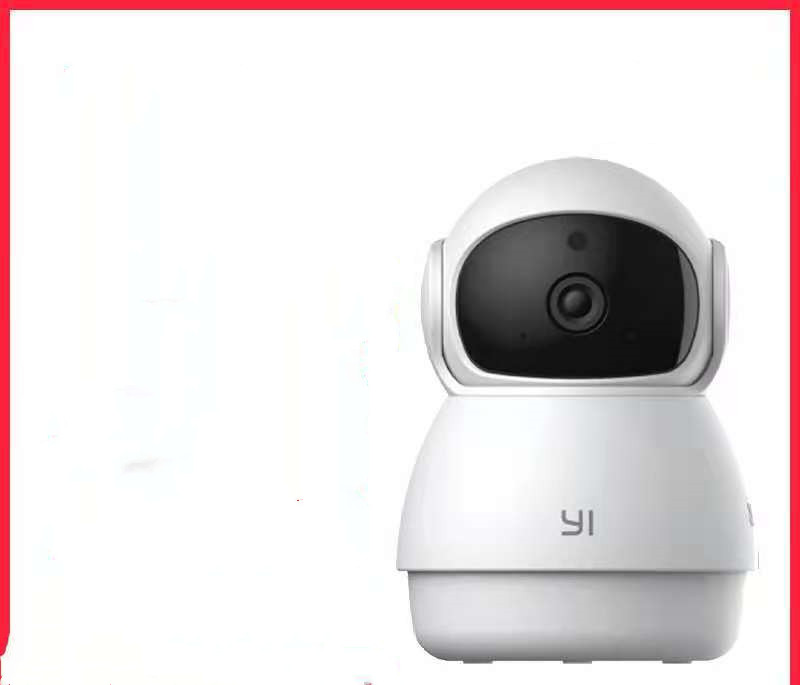
Home HD Monitoring Wireless Wifi Mobile Phone Remote
Product material:
Material: ABS
Details:
Horizontal resolution :1080P
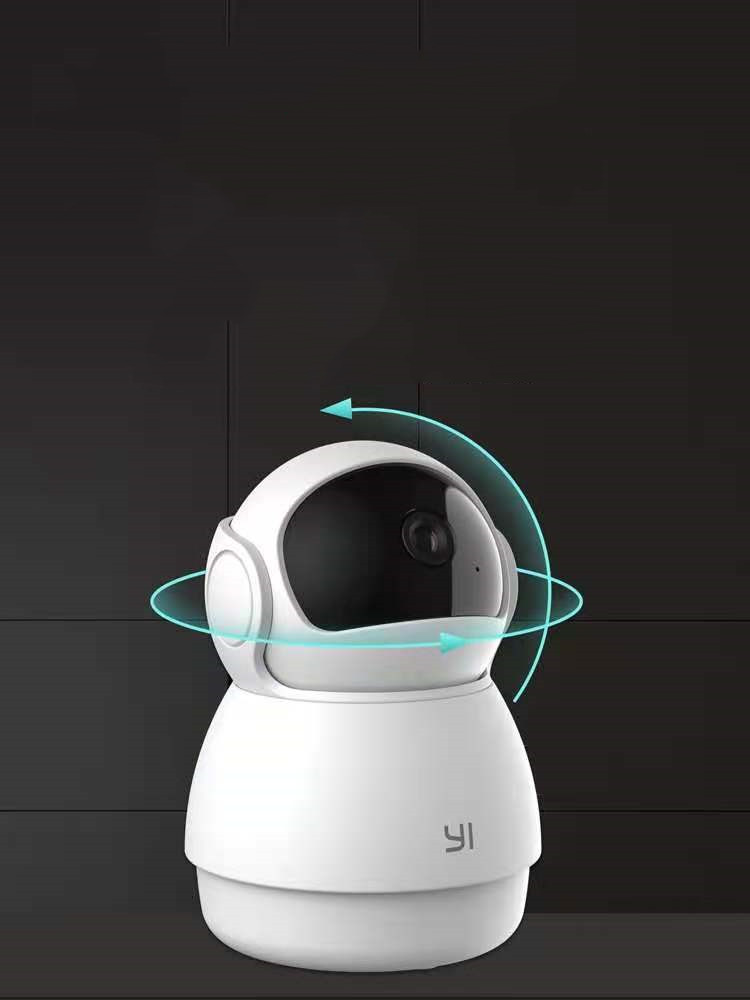
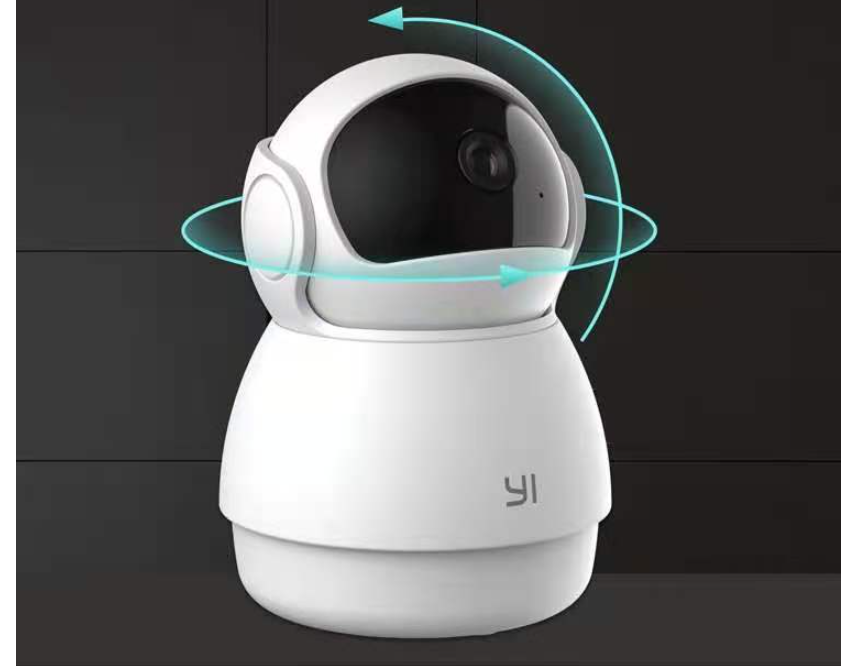
Function: panoramic monitoring, intelligent tracking, infrared night vision
Setting up your camera with the YI Home app
1. Install the YI home app and create a YI home account
2. Turn on your camera and click the icon on the top right corner of YI HOME app to add your camera
3. Select your Wi-Fi network and enter your Wi-Fi password, then select Connect to Wi-Fi
4.Scan the QR Code displayed on the app and then select next after the QR Code has scanned
5. Select save, then select start using to complete the pairing.
6. If the connection fails, press the reset button and try again.
Wi-Fi settings
1. YI home cameras will need to connect to a 2.4GHz band network. 5GHz WiFi band is not supported
2. Activate the location service on the phone if you encounter an unknown SSID problem
3. Encryption mode must be set to WPA / WPA2 (mixed mode) or WPA2
4. Your Wi-Fi password must be 8 to 20 characters long
Packing list
Camera X1
What Our Customers Say
Trusted by thousands of satisfied customers across UAE
Mohammed Al-Rashid
Exceptional quality and fast delivery! I ordered this product and received it within 2 days. The attention to detail is outstanding and exactly what I expected. Highly recommend to everyone in Saudi Arabia.
Fatima Abdullah
I'm absolutely impressed with the customer service and product quality. The team was very responsive to all my questions. The product exceeded my expectations in every way. Will definitely order again!
Ahmed Al-Fahad
Premium quality product at a great price point. The packaging was excellent and everything arrived in perfect condition. This is my third purchase and each time I'm more satisfied. Five stars!